

Last updated: November 19, 2026
Key Takeaways
- Keep the project moving by freezing risk, trimming scope, and documenting each next step.
- Check scope, payment status, and evidence before sending the next client update.
- Keep the next deliverable small enough to finish and easy to prove.
- The claim adjuster needs a clean timeline, not a running commentary.
You can keep an active freelance project moving after you open a claim if you narrow the scope, document every change, and keep the client and claim adjuster on the same facts. This page explains how to do that without guessing. It also shows where the project plan, contract, milestone invoice, and payment status need to change, and where they should not. For How to Keep Working on a Project After You Open a Claim, the quick answer is this: keep the next task narrow, dated, and documented.
What this guide applies to
This guide applies if you have already opened a claim on a freelance project and still need to keep work moving in a controlled way. It assumes you have a contract, a current project plan, the client’s contact details, and at least one milestone invoice or payment record you can point to. This is information, not financial advice; because claim handling and payment rules vary by country and contract, a qualified adviser should be consulted for your own situation.
It is built for the point where the work is still live, the claim is open, and you need to avoid making the situation worse. That means you are not trying to settle the claim here. You are trying to keep delivery organized while the insurer, the client, and your own paperwork catch up.
The guide is not for a project with a hard stop from the carrier, a court order, or a client demand that makes further work unsafe to continue. It is also not for filing the claim itself or changing your coverage terms. Those are separate jobs.
What follows is a practical method. It is not a comfort blanket.
How do you keep a live project moving without creating new problems?
You keep the project moving by freezing risk, trimming scope, and turning every next step into a dated paper trail. The sequence below works best when the claim is already open and the client still wants progress.
-
List the next 3 to 5 tasks only. Put them in your project plan and strip out anything outside the current milestone. Verify each task has one owner, one due date, and one output. If a task needs vague wording like “extra revisions,” the scope is still too loose.
-
Mark the claim boundary in writing. Write one short note that says what work continues and what work pauses while the claim is handled. Verify the note matches your contract language, not your memory. If the client asks you to “just keep going” on new work, that is a scope drift warning.
-
Tell the client what changes, not the whole backstory. Send a brief status update within 1 business day, if possible, and keep it to facts: current milestone, what is blocked, what still moves, and the next check-in date. Verify the message does not admit fault or promise a fix you cannot make. If the update gets longer than a screen, it is probably too much.
-
Separate claim documents from project files. Keep the incident notes, emails, and adjuster messages in one folder and the client deliverables in another. Verify filenames show dates in a consistent format. If you cannot tell which version is current in 30 seconds, the file system is failing.
-
Pause any task that changes the risk profile. If a task would alter the disputed work, the scope, or the evidence, stop it until the claim path is clear. Verify you are not editing source files, agreements, or invoices in a way that blurs the record. If you need to “clean up” old files, that is a problem.
-
Invoice only for the approved milestone state. Send the milestone invoice for work that has actually reached the contract trigger, not for hopeful progress. Verify the invoice description matches the delivered output. If payment terms changed in a call but not in writing, consult a qualified professional and treat the written contract as the working version. For contract interpretation, see the U.S. Small Business Administration at https://www.sba.gov/business-guide/plan-your-business/write-your-business-plan and the FTC’s guidance on written records at https://consumer.ftc.gov/articles/your-rights-if-your-debt-is-in-collections.
-
Log every client and adjuster touchpoint the same day. Record the date, person, channel, and next step in a simple log. Verify you can reconstruct the timeline without memory. If two people told you different things, flag it immediately and consult a qualified professional before you choose a version. For recordkeeping basics, see the U.S. Consumer Financial Protection Bureau at https://www.consumerfinance.gov/consumer-tools/ and the U.S. Equal Employment Opportunity Commission at https://www.eeoc.gov/federal-sector/recordkeeping-requirements.
-
Review the plan every 48 to 72 hours. That short review keeps the project from drifting while the claim stays open. Verify the next action still fits the contract and the current payment status. If the project depends on fresh approvals that are not coming, the plan needs a reset.
The best part is that this process reduces confusion without forcing you to stop work completely.
What should you check before you send the next update?
You should check scope, payment status, and evidence before you send the next client update. Those three checks tell you whether the project can keep moving or whether you are about to create a second problem on top of the first.
Since the claim is already open, the next update should be short and dated. A clean update takes about 10 minutes to prepare and saves you from rewriting the story later. That matters more than sounding polished.
Before you hit send, check these items:
- Scope: Does the message mention only the active milestone, not the whole job?
- Contract: Does the wording match the signed terms, including revision limits and payment triggers?
- Payment status: Is there an unpaid milestone invoice, a disputed amount, or a late payment note that changes the tone?
- Documentation: Can you support every statement with an email, file, or dated note?
- Client relationship: Does the update answer the client’s real question, which is usually “what happens next?”
A good update does not over-explain the claim. It tells the client what is still underway, what is waiting, and when the next decision point arrives. A single dated note is usually enough.
A simple test: if the update would be hard to paste into an email log later, it is probably too vague.
How do you handle scope control without stalling the work?
You handle scope control by keeping the next deliverable small enough to finish and easy to prove. That usually means one milestone, one approval loop, and one clean handoff.
Because the claim is open, the client may ask for “just a few more changes.” If you agree too fast, the project stops being a controlled file and starts becoming a moving target. That is where people lose time and records.
Use this order:
- Name the current milestone in one sentence. Example: “Draft review package,” “bug fix set,” or “final layout pass.” Keep it to the agreed deliverable.
- Freeze the revision count in writing. If your contract allows 2 revision rounds, do not casually add a third.
- Define the handoff item. A file, a signed approval, a completed export, or a published link all count differently.
- Attach a date to each handoff. Use the same date format everywhere.
- Reject new extras until the current line is closed. Extras belong in a new scope note, not in the old thread.
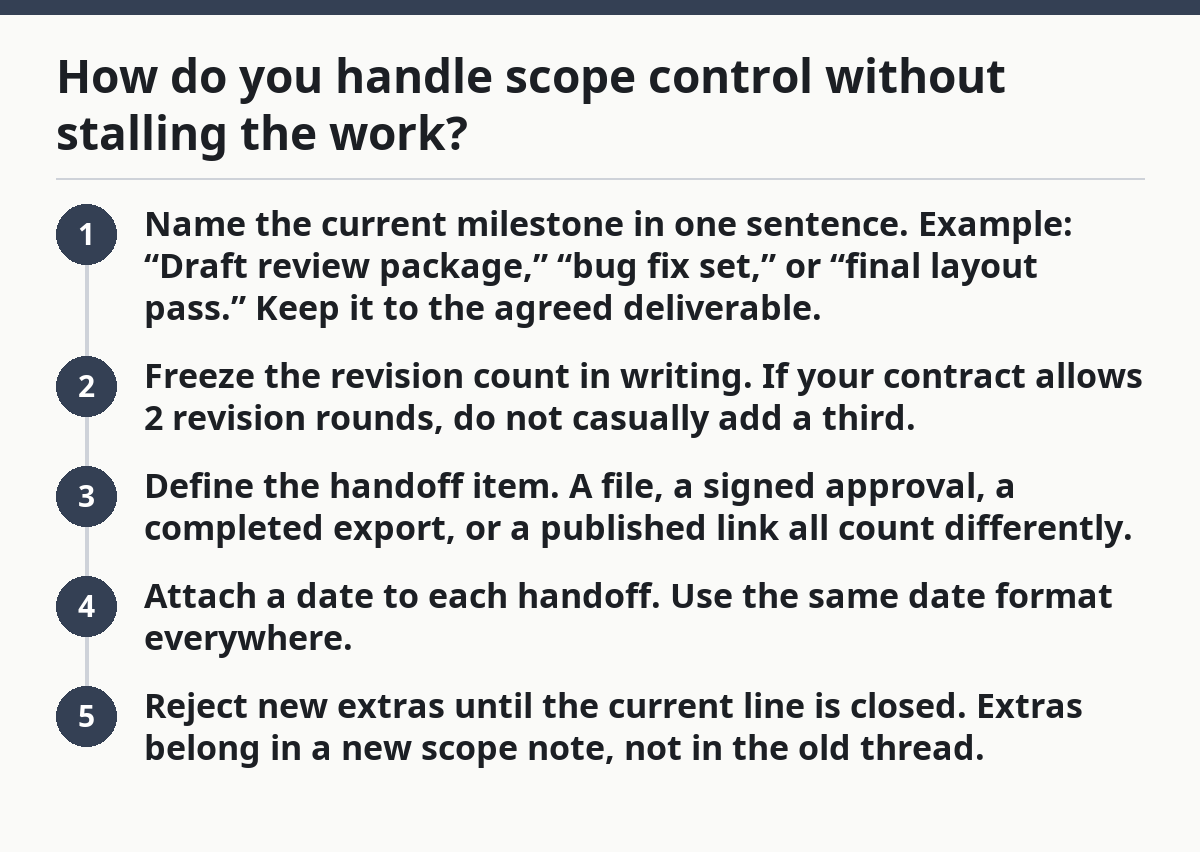
The catch is that scope control is not the same as slowing everything down. It is more like putting rails around the work so the claim does not spread into unrelated tasks. If the client needs a new feature or a new deliverable, that is a fresh conversation, not a quiet add-on. For process control, the same rule applies on the next milestone as on the first.
What does the claim adjuster need from you?
The claim adjuster needs a clean timeline, not a running commentary. They usually care about dates, documents, and whether the project work continued in a way that affects the claim.
If the record is messy, the adjuster has to do extra work. A clean file is faster to review. A clean file is also easier to defend.
Send or keep ready these items:
- Contract copy with the signed date and any amendment
- Project plan showing the current milestone
- Milestone invoice and payment status
- Client emails that changed scope, deadlines, or approvals
- File versions with dates and revision labels
- A brief incident log that shows what happened and when
If the adjuster asks a direct question, answer that question only. Do not speculate about motives, blame, or future coverage. If you do not know, say so and point to the record.
A weak file says, “I think we agreed on this in a call.” A stronger file says, “The change appears in the 14 May email thread and the revised milestone note.”
When should you stop the project work and reset the plan?
You should stop the project work and reset the plan when continuing would blur evidence, break the contract path, or create a payment mess you cannot unwind easily.
The claim touches the exact deliverable: The disputed issue is part of the file, asset, or service you are still editing — stop the affected task and separate the evidence before moving again.
The client changes scope without writing it down: The work is no longer the same project — pause the added request until it is written into a new or revised plan.
The milestone invoice is unpaid past the agreed terms: The payment status has changed the project’s risk — stop new extras and focus on the invoiced milestone trail.
The adjuster requests records you cannot reconstruct: The timeline is incomplete — stop adding noise and rebuild the file from the original emails, files, and dates.
Your notes and the client’s version conflict: The record is unstable — stop advancing the project until the mismatch is fixed in writing.
The contract says work must pause after notice: The contract already sets the rule — follow the pause and do not improvise around it.
Stopping is not failure. It is the correct move when the next hour of work could make the claim harder to sort out.
The mistakes people make, and what those mistakes cost
The most common mistake is treating the claim like a side note. That usually turns into a confused timeline, a sloppy invoice trail, or a client who thinks the whole project is back on track when it is not. If the record gets fuzzy, consult a qualified professional.
Picture this: you keep working, but you never write down what changed. A month later, nobody can tell which task belonged to the claim period and which task came after it. That is an avoidable mess.
Here are the errors that cause trouble:
- Mixing claim notes into the project chat. This makes the record hard to follow. Use one thread for project delivery and one folder for claim records.
- Sending a vague client update. The client fills in the blanks themselves. Use a short status note with dates and next steps.
- Assuming a verbal okay changes the contract. It often does not. Put changes in writing before acting on them.
- Editing old files without saving versions. This can destroy the trail. Save a dated copy before any new revision.
- Billing for work that has not reached the milestone. That can trigger payment disputes. Invoice only what the contract says is due.
- Trying to keep everything moving at once. That creates scope creep. Limit the project to the next clear handoff.
The honest limitation here is simple: if the project depends on improvisation, this method will feel slow. That is the price of keeping the record straight.
When the standard approach does not apply
The standard approach does not apply when the claim and the project are too tangled to separate cleanly. In those cases, you need a different work pattern, not more hustle.
If the claim affects the next milestone, the work has to narrow further. A smaller task is easier to track. It is also easier to separate from disputed work.
Adjust the method in these cases:
- Multiple clients are involved: Split the records by client and by contract before you do anything else.
- A subcontractor is handling part of the work: Give that person a narrow task list and keep their files separate.
- The project depends on a third-party platform: Save screenshots or exports that show the state before changes.
- The client wants a rapid turnaround: Use a shorter update cycle, but do not shorten the documentation step.
- The claim affects payment timing: Keep the milestone invoice and the project plan aligned so you do not bill ahead of the record.
A standard workflow works best when the project is still mostly ordinary. The more the claim changes the shape of the work, the more the process needs restraint.
For a broader view of the process, link back to the main Freelancer insurance claims and incident response hub and use this page as the project-handling branch.
What does a good result look like?
A good result looks like a project that keeps moving, with no gaps in the timeline and no surprises in the paperwork. The client knows the current milestone, the claim adjuster can follow the record, and the payment status is clear.
Because the project stayed organized, you can open the folder a week later and see the next task, the last approval, and the last invoice in under a minute. That is a good sign. It means the project stayed usable while the claim stayed open.
You do not need perfection. You need a record that answers four questions fast: what was due, what changed, what got paid, and what is next. If those answers are easy to find, the workflow is doing its job.
Can I keep working while a claim is open?
Yes, if the contract, payment status, and claim record still let you separate the project work from the disputed issue. The key is to keep the next task narrow, dated, and documented. If the claim touches the exact deliverable you are editing, pause that part and keep the rest of the project clean.
How do I handle client work during a claim?
Handle client work through short status updates, clear scope limits, and same-day notes. The client should know what is moving, what is waiting, and when you expect the next handoff. If a request adds new scope, write it down before you act on it.
Should I pause work after reporting an incident?
Pause only the part of the work that would blur the evidence, break the contract, or confuse payment records. The rest can continue if it stays inside the current milestone and the claim record is clean. If you cannot keep the trail straight, stopping is the safer operational choice.
Drafted with AI; not yet reviewed by a person.
